
snake
Classic Snake Arcade Game — Modern Remake
A modern, visually enhanced remake of the classic Snake arcade game built with Python and Pygame. Features smooth controls, beautiful graphics, sound effects, and a persistent leaderboard system.
snake — a modern, visually enhanced remake of the classic Snake arcade game built with Python and Pygame. Features smooth controls, beautiful graphics, sound effects, and a persistent leaderboard system.
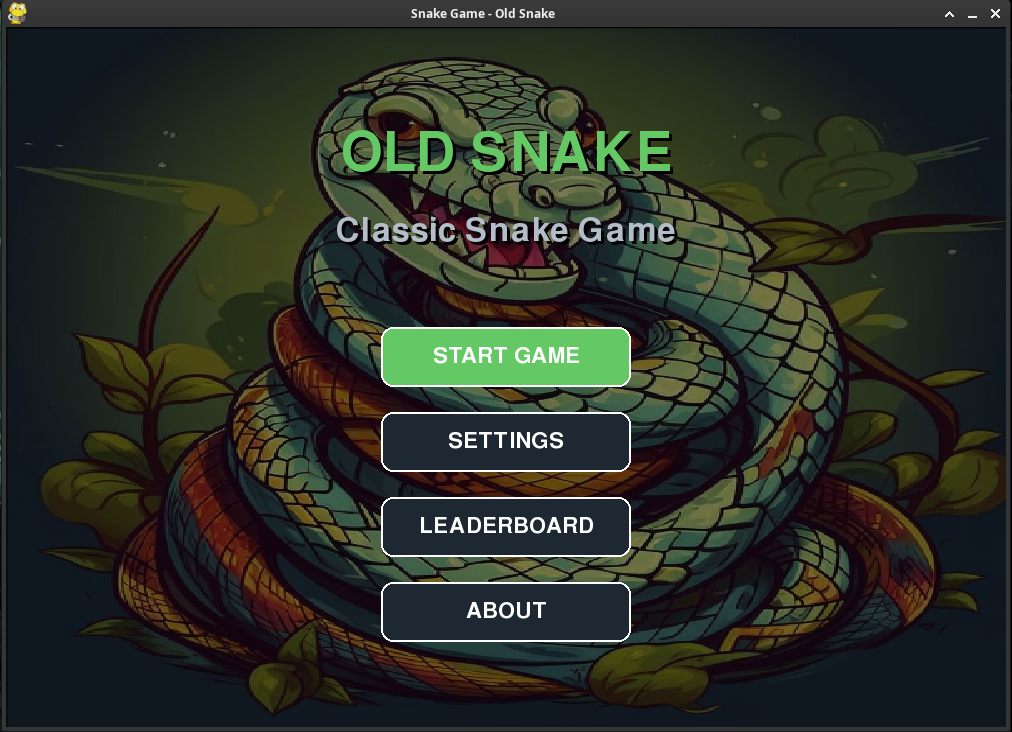
Main Menu
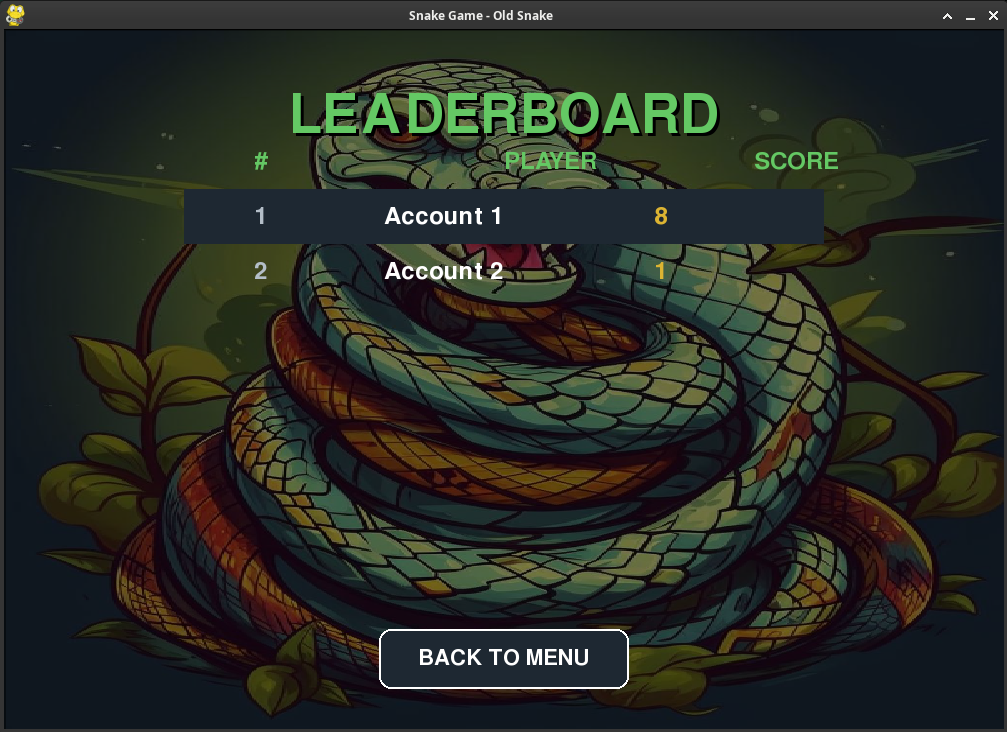
Leaderboard
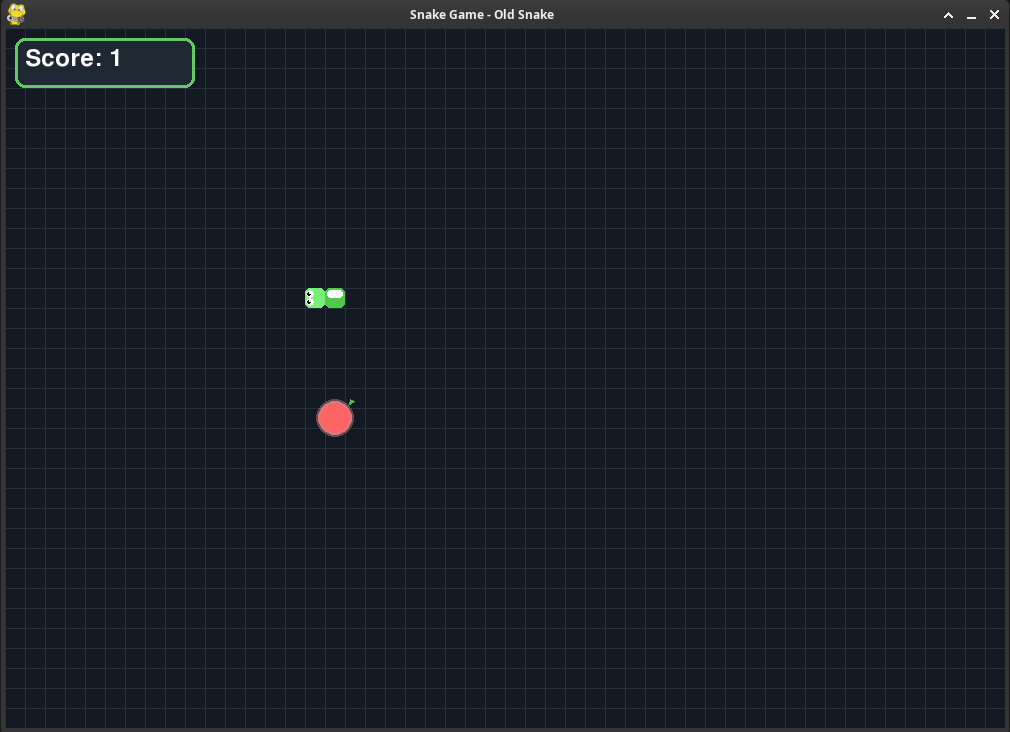
Gameplay
- Classic Snake Gameplay — Control a snake that grows longer as it eats food
- Modern Graphics — Gradient backgrounds, animated food, detailed snake design with eyes
- Customizable Settings — Adjust game speed (10-30 FPS) and snake color (6 options)
- Leaderboard System — Persistent SQLite database tracking top 5 high scores
- Sound Effects — Background music, button clicks, and eating sounds
- Responsive UI — Interactive buttons with hover effects and visual feedback
- Pause Functionality — Press SPACE to pause/resume the game
| Action | Keys |
|---|---|
| Move Left | ← or A |
| Move Right | → or D |
| Move Up | ↑ or W |
| Move Down | ↓ or S |
| Pause/Resume | SPACE |
| Submit Score | ENTER (on Game Over screen) |
Requirements: Python 3.8+, Pygame
# Clone the repository
git clone https://github.com/aixandrolab/snake.git
cd snake

# Install dependencies
pip install -r requirements.txt

# Run the game
python app.py
snake/
├── app.py                 # Application entry point
├── core/
│   ├── game.py           # Main game logic and state management
│   ├── models/           # Game entity models
│   │   ├── button.py     # UI button component
│   │   ├── food.py       # Food/Apple entity with animation
│   │   ├── input_box.py  # Text input component
│   │   └── snake.py      # Snake entity with collision detection
│   └── utils/            # Utility modules
│       ├── colors.py     # Color palette definitions
│       ├── direction.py  # Movement direction enum
│       └── position.py   # Position dataclass
├── tools/
│   └── database.py       # SQLite leaderboard management
├── data/                 # Game assets
│   ├── images/
│   │   ├── leaderboard.png
│   │   ├── main_screen.png
│   │   ├── playground.png
│   │   └── snake.png
│   ├── music/
│   │   ├── music.mp3
│   │   └── game_over.mp3
│   └── sounds/
│       ├── button.wav
│       └── eat.wav
└── requirements.txt      # Python dependencies
Change Game Window Size:
Edit core/game.py:
self.width = 1000  # Your preferred width
self.height = 700  # Your preferred height
Modify Game Speed Options:
In draw_settings_screen() method:
speeds = [10, 15, 20, 25, 30] # Add or remove speed options
Add New Snake Colors:
In core/utils/colors.py:
SNAKE_YOUR_COLOR = (R, G, B) # Add to Colors class
pip install pyinstaller
pyinstaller --onefile --windowed --add-data "data:data" app.py
| Issue | Solution |
|---|---|
| Game won't start | Ensure Python 3.8+ and Pygame are installed |
| No sound | Check that sound files exist in data/ directory |
| Black screen | Verify graphics drivers are up to date |
| Database error | Ensure write permissions in game directory |
- Launch the game using
python app.py - Click "START GAME" to begin
- Control the snake to eat red apples
- Each apple increases your score and snake length
- Avoid hitting walls or your own tail
- Press SPACE to pause if needed
- After game over, enter your nickname to save your score
- Check the leaderboard to see top players
By using this software, you agree to the full disclaimer terms.
Software provided "AS IS" without warranty. You assume all risks.
Full legal disclaimer: See DISCLAIMER.md
License: MIT License