
qr-code-scanner
Simple and fast QR code scanner application
Orange-black theme, copy-to-clipboard functionality, and GitHub integration. Designed for simplicity — scan QR codes instantly, copy results, and scan again.
qr-code-scanner — a simple and fast QR code scanner application with orange-black theme, copy-to-clipboard functionality, and GitHub integration. Designed for simplicity: scan QR codes instantly, copy results, and scan again — all in a beautiful dark-themed interface.
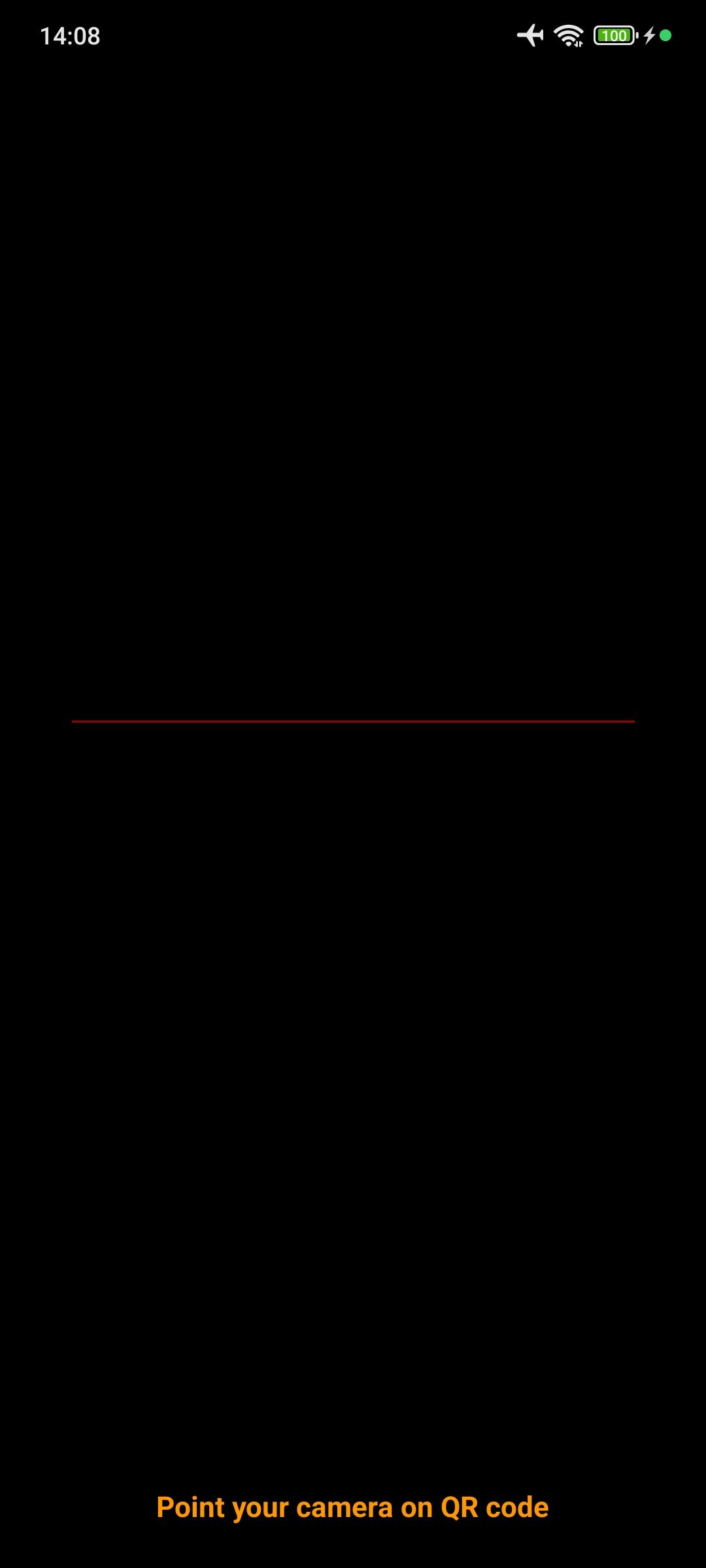
Scanner Screen
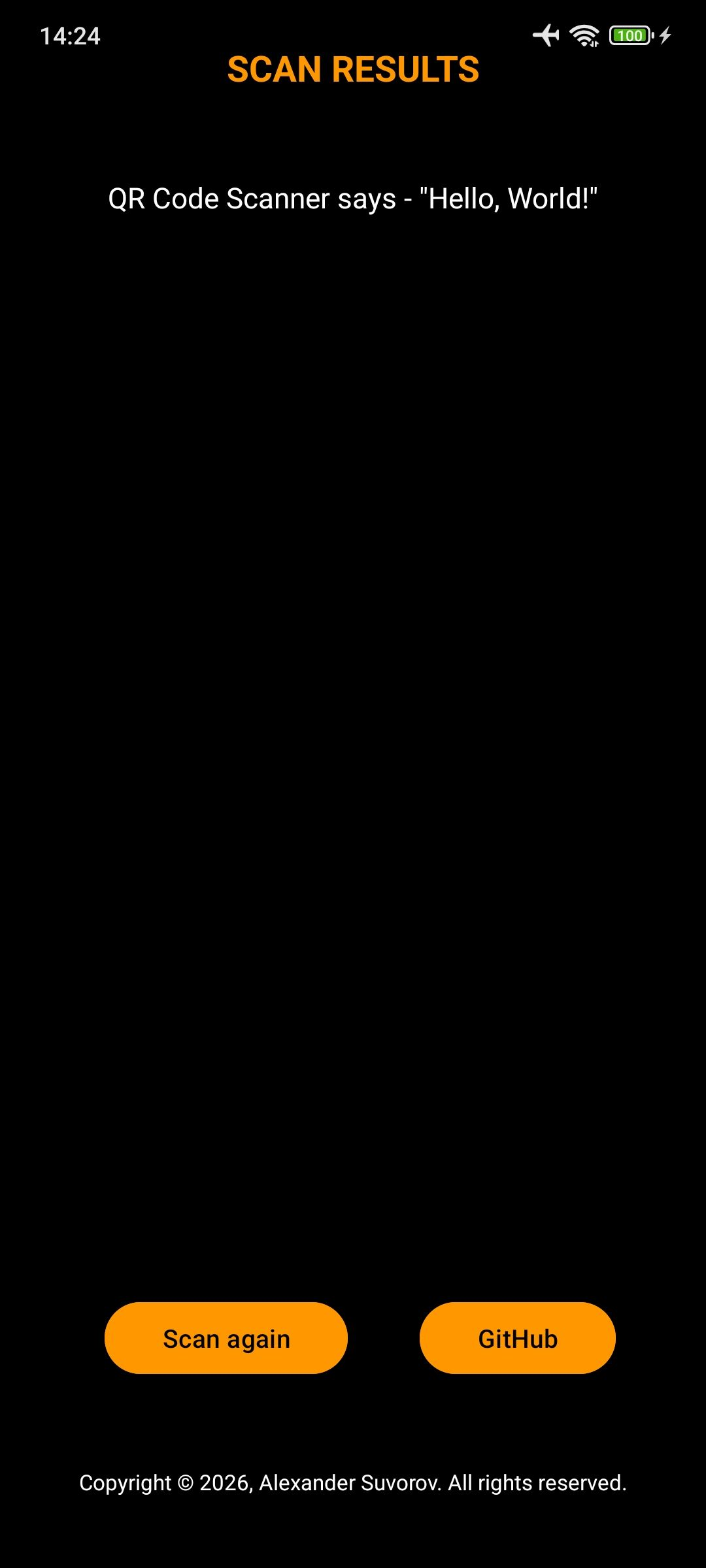
Result Screen
- QR Code Scanning — Fast and accurate QR code detection
- Camera Permission Handling — Graceful permission requests with dedicated screen
- Copy to Clipboard — Tap on scanned result to copy text
- Scan Again — One-button return to scanner
- GitHub Integration — Quick access to repository
- Orange-Black Theme — Modern dark interface with orange accents
- Portrait Mode Only — Optimized for comfortable one-handed use
Prerequisites: Android 7.0 (API level 24) or higher, Camera
Installation:
- Download the APK from the Releases page
- Enable "Unknown Sources" in your Android settings (if needed)
- Install the APK and open the app
First Launch:
- Grant Camera Permission — Required for QR code scanning
- Point camera at any QR code
- View result and copy if needed
Scanning a QR Code:
- Launch the app
- Grant camera permission when prompted
- Point your camera at any QR code
- Result appears automatically
Copying Result:
- Tap on the scanned text to copy it to clipboard
- Toast notification confirms successful copy
Scanning Another Code:
- Tap the "SCAN AGAIN" button to return to scanner
Opening GitHub Repository:
- Tap the "GitHub" button to open the project repository
Color Scheme:
| Element | Color |
|---|---|
| Primary accent | Orange (#FF9800) |
| Background | Black (#000000) |
| Text | White (#FFFFFF) |
| Buttons | Orange with black text |
Screens:
| Screen | Description |
|---|---|
| Permission Screen | Requests camera access before scanner loads |
| Scanner Screen | QR code viewer with status text |
| Result Screen | Displays scanned content with action buttons |
| Component | Technology |
|---|---|
| Language | Kotlin |
| UI | Material Design + XML |
| QR Scanning | ZXing Android Embedded (4.3.0) |
| Barcode Library | Google ZXing Core |
| Minimum SDK | 24 (Android 7.0 Nougat) |
| Target SDK | 36 (Android 15) |
Dependencies:
implementation("com.journeyapps:zxing-android-embedded:4.3.0")
app/
├── src/main/java/com/example/qr_code_scanner/
│   ├── PermissionActivity.kt    # Camera permission handling
│   ├── MainActivity.kt          # QR scanner logic
│   └── ResultActivity.kt        # Results display
├── src/main/res/
│   ├── layout/
│   │   ├── activity_permission.xml
│   │   ├── activity_main.xml
│   │   └── activity_result.xml
│   └── values/
│       ├── colors.xml           # Orange-black theme
│       └── themes.xml           # App theme
Build Requirements:
- Android Studio Hedgehog | 2023.1.1 or higher
- JDK 11 or higher
- Android SDK with API 36
Build from Source:
# Clone the repository
git clone https://github.com/aixandrolab/qr-code-scanner.git

# Open in Android Studio
# Wait for Gradle sync to complete

# Build the APK
./gradlew assembleDebug
By using this software, you agree to the full disclaimer terms.
Software provided "AS IS" without warranty. You assume all risks. The author is not responsible for any data loss or damages arising from using this application.
Full legal disclaimer: See DISCLAIMER.md
License: BSD 3-Clause License