Smart 2FA Manager v1.0.1
Secure, offline TOTP 2FA manager for Android
Store your 2FA secrets encrypted locally, generate codes without internet, and maintain full control over your authentication data.
Smart 2FA Manager is a lightweight, offline TOTP (Time-based One-Time Password) manager for Android. Store your 2FA secrets encrypted locally, generate codes without an internet connection, and maintain full control over your authentication data.
- AES-256-GCM Encryption — industry-standard encryption for your secrets
- SHA-512 Key Derivation — strong password hashing
- QR Code Scanning — quickly add services by scanning QR codes
- Real-time Search — filter services by name instantly
- One-Tap Code Copying — copy TOTP codes with a single tap
- Offline Operation — no internet connection required
- Material Design UI — clean and intuitive interface
- Local Storage — data stored in Documents/.2fa/secrets.enc
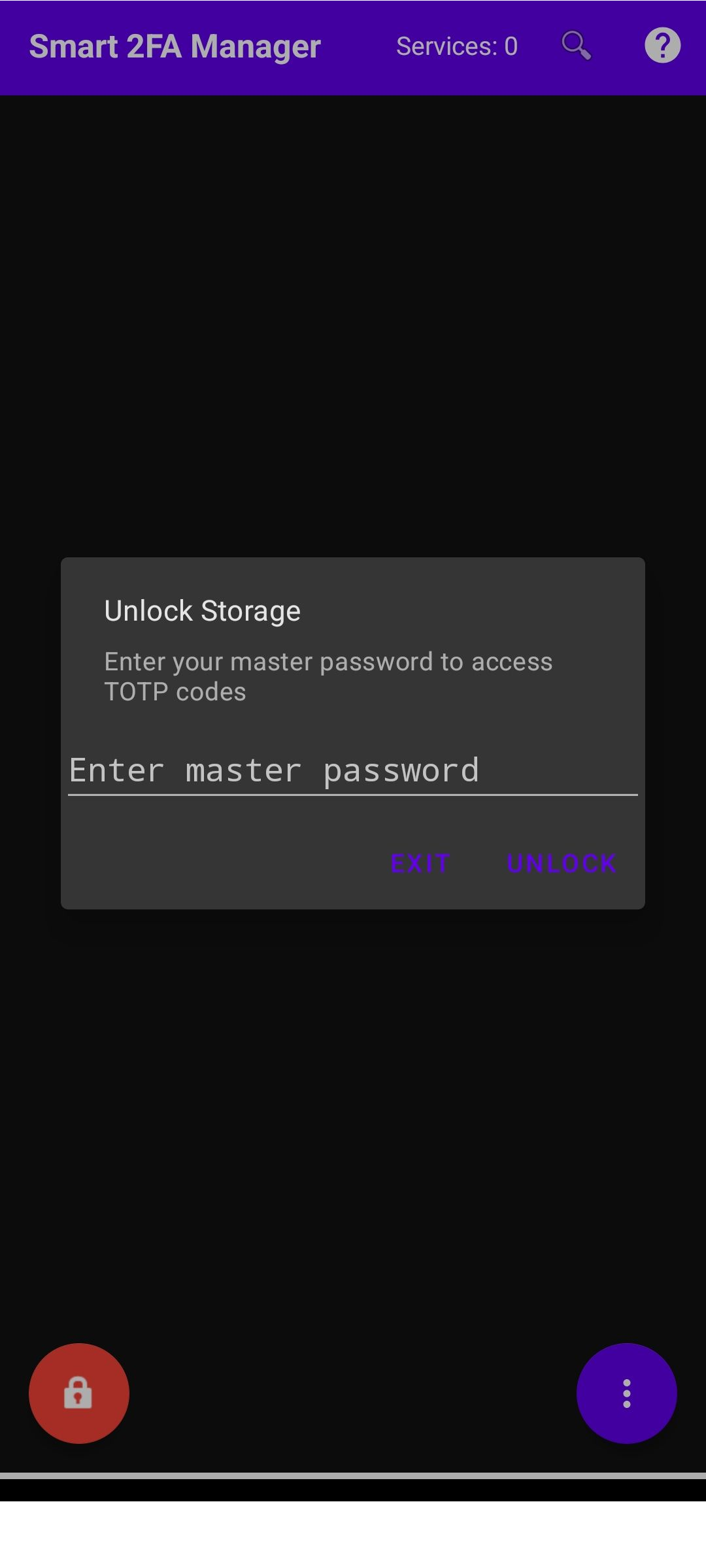
- Master Password Protection — all data encrypted with your master password
- Interactive Tooltips — long press any button to see its function
Encryption
- Algorithm: AES-256-GCM (Galois/Counter Mode)
- Key Derivation: SHA-512
- IV: Random 12-byte initialization vector per encryption
Data Storage
- Location: Documents/.2fa/secrets.enc
- Format: Encrypted JSON with service:secret pairs
- No Internet — app never sends data over the network
- Local Only — all secrets remain on your device
Master Password
- Never stored — password is only used to derive encryption key
- No recovery — if forgotten, secrets cannot be recovered
- Local only — password never leaves your device
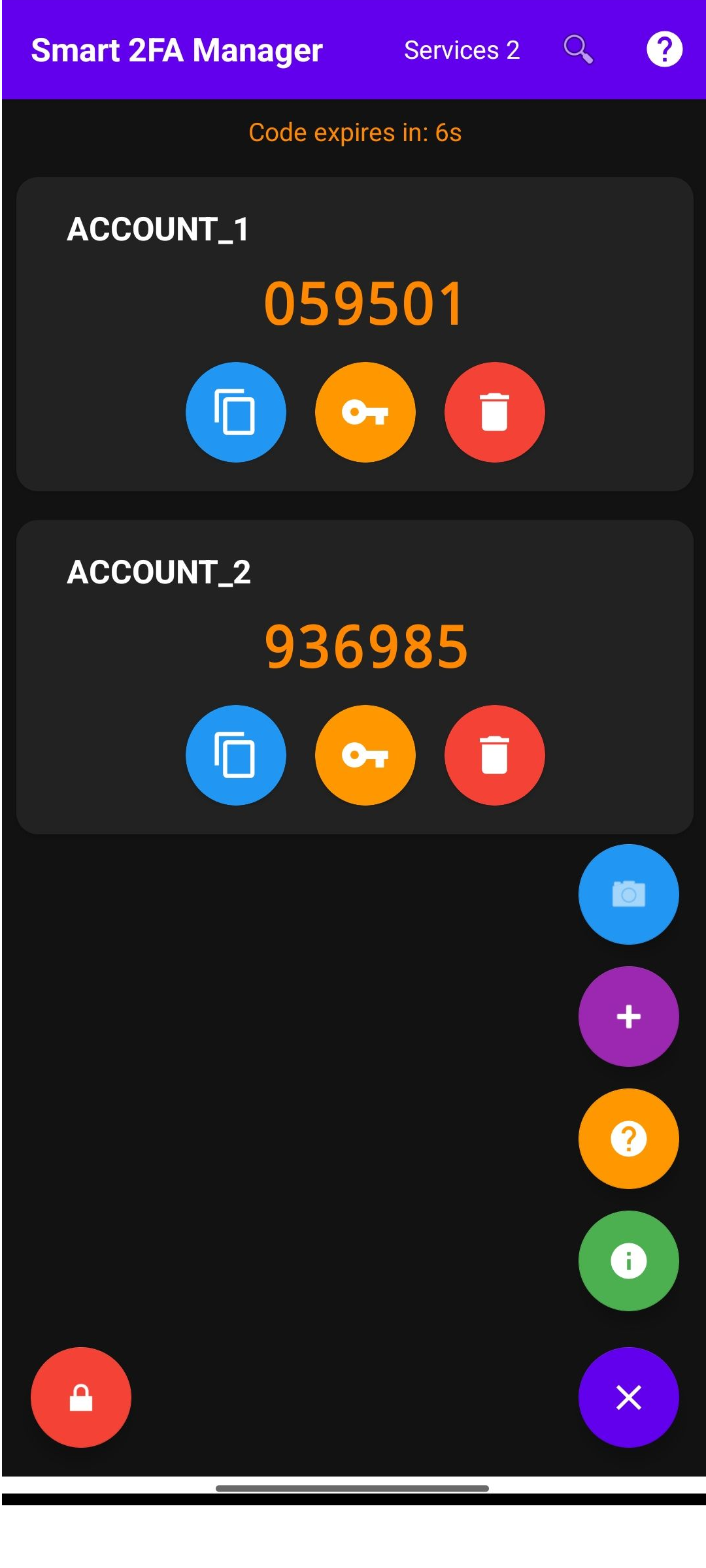
Main Screen
- Service Cards — list of all your 2FA services
- TOTP Code — current 6-digit code with countdown timer
- Color Coding — Blue (normal), Orange (10 sec left), Red (3 sec left)
- Service Counter — shows number of services in toolbar
Toolbar Buttons
- Search — opens search bar to filter services
- Show All Tips — displays tooltips for all buttons
- Lock — lock the app and return to password screen
Service Card Buttons
- Copy — copy current TOTP code to clipboard
- Secret — view secret key (requires master password)
- Delete — remove service
Encryption: AES-256-GCM
Key Derivation: SHA-512
TOTP Standard: RFC 6238
Time Step: 30 seconds
Code Length: 6 digits
Hash Algorithm (TOTP): HMAC-SHA1
Min Android Version: API 26 (Android 8.0)
License: BSD 3-Clause
- Language: Kotlin
- Platform: Android 8.0+
- Encryption: AES-256-GCM, SHA-512
- TOTP: RFC 6238, HMAC-SHA1
- QR Scanner: CameraX
- License: BSD 3-Clause
Cross-platform 2FA Management Ecosystem: